 Handwriting Eraser
Erase the writing,
keep the print
Snap a page from a finished workbook. Only the pencil and colored-pen marks disappear, so you can solve it again like new.
Erase your first 10 pages for free.
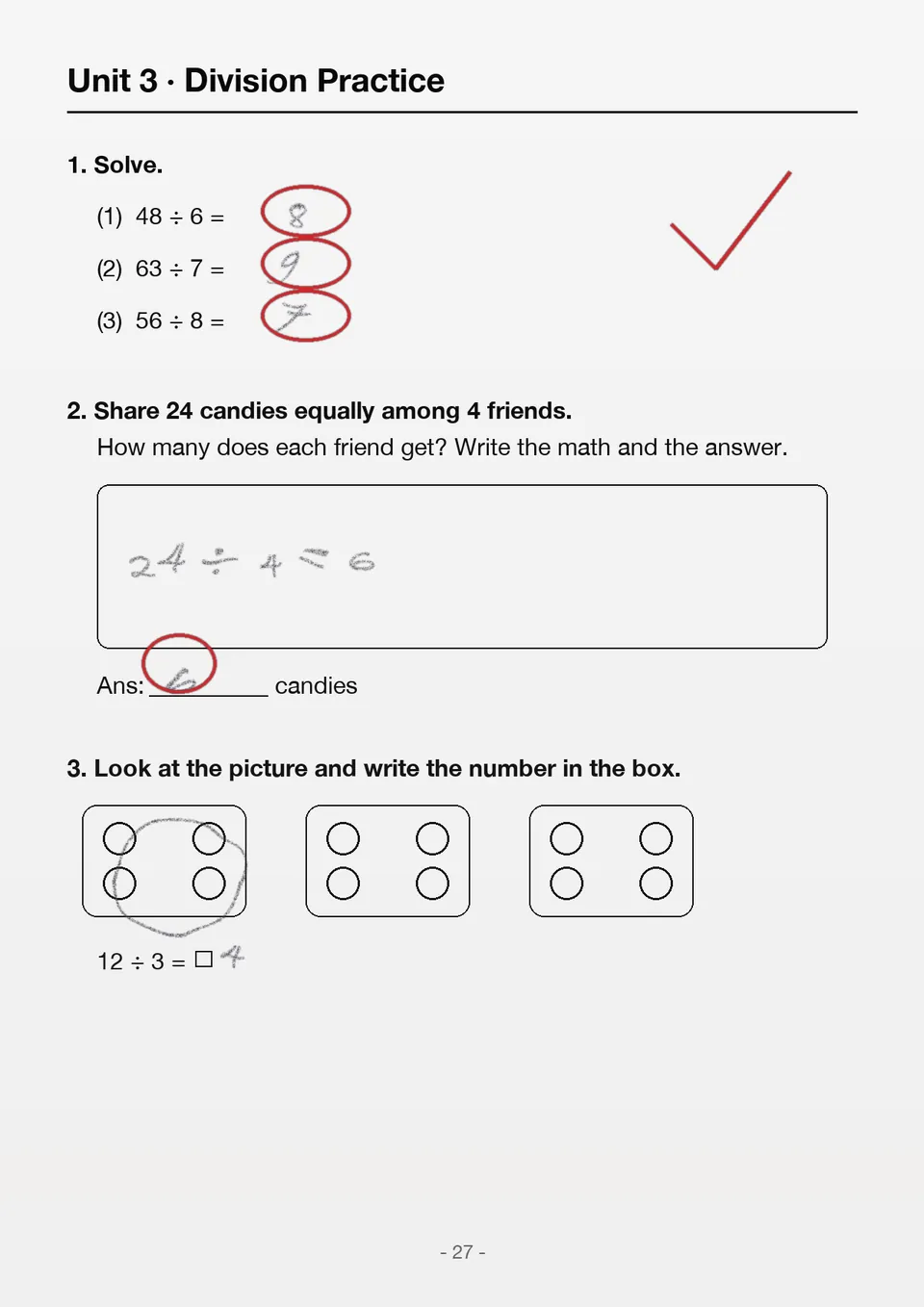
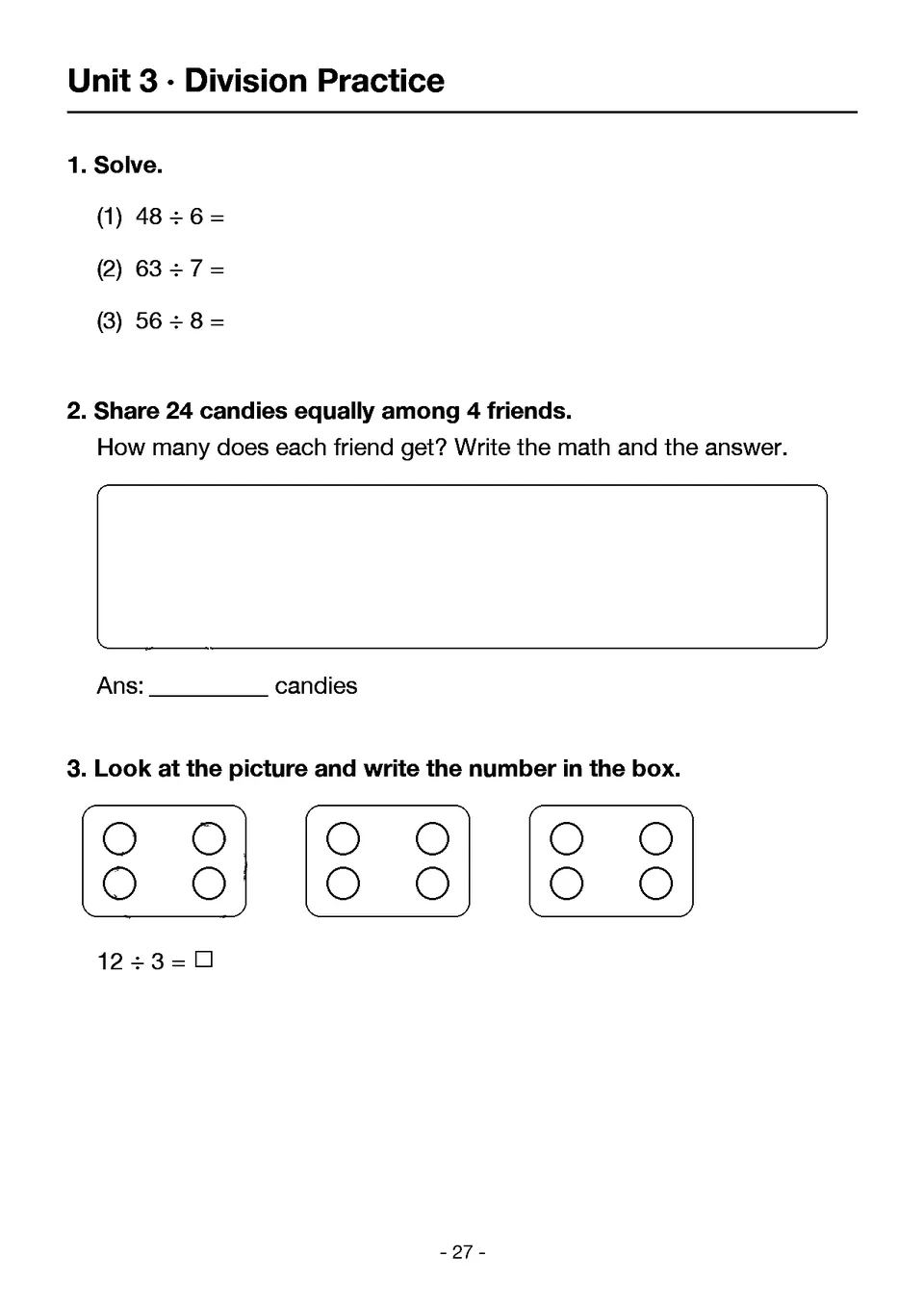

What it erases
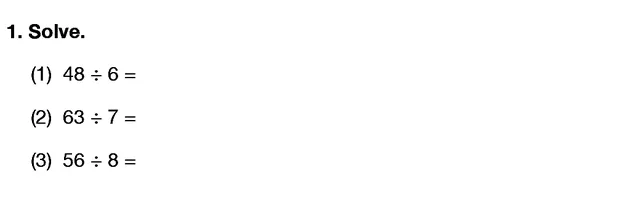
Printed questions and pictures stay as they are.
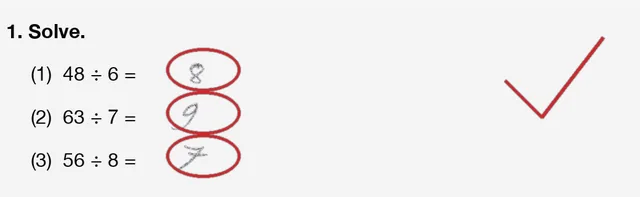
Pencil solutions
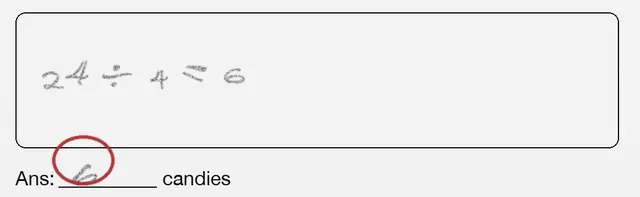
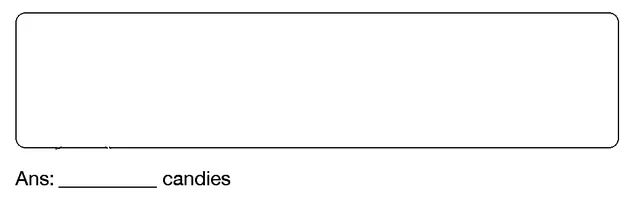
Red-pen grading
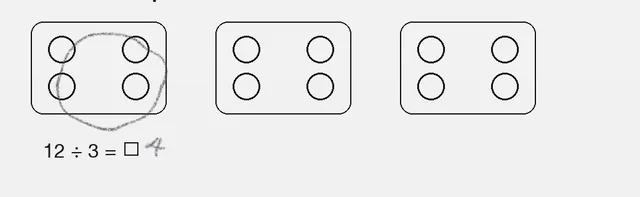
Drawings on problems
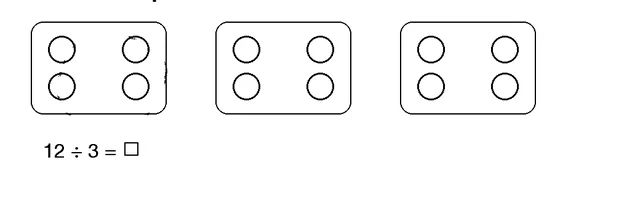
Re-solve mistakes
every day
Add them to your Wrong-Answer Note, and from the next day the app picks 3 for you each day.
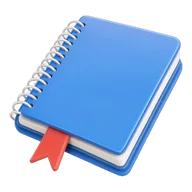 Wrong-Answer NotePick just the problems you got wrong from an erased page.
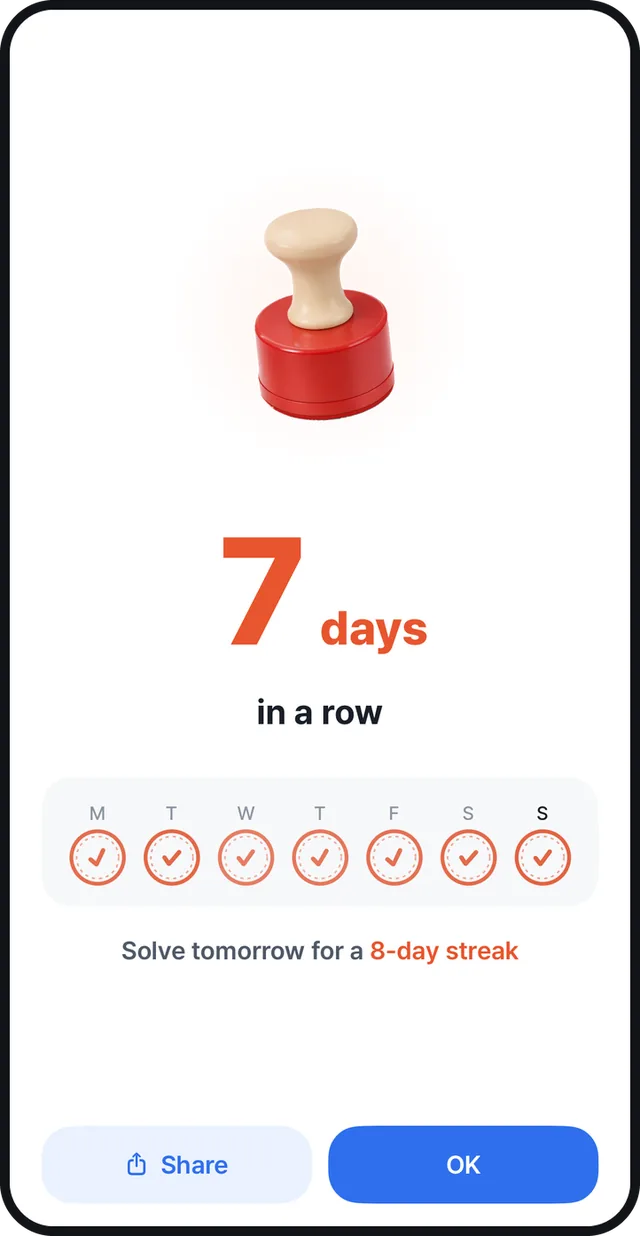
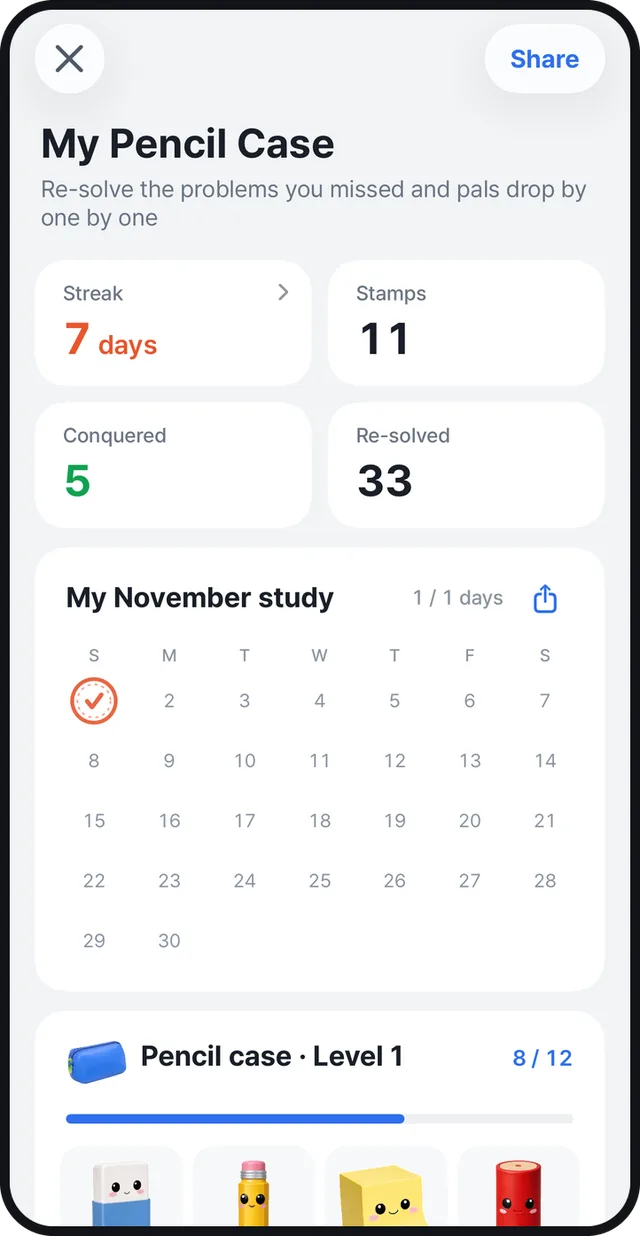
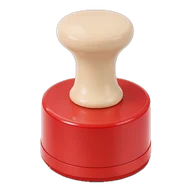 Stamps and streaksFinish the day's set to get a stamp, and keep going to build a streak.
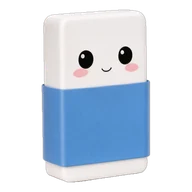 36 pencil-case friendsKeep reviewing and friends come to visit, one by one.
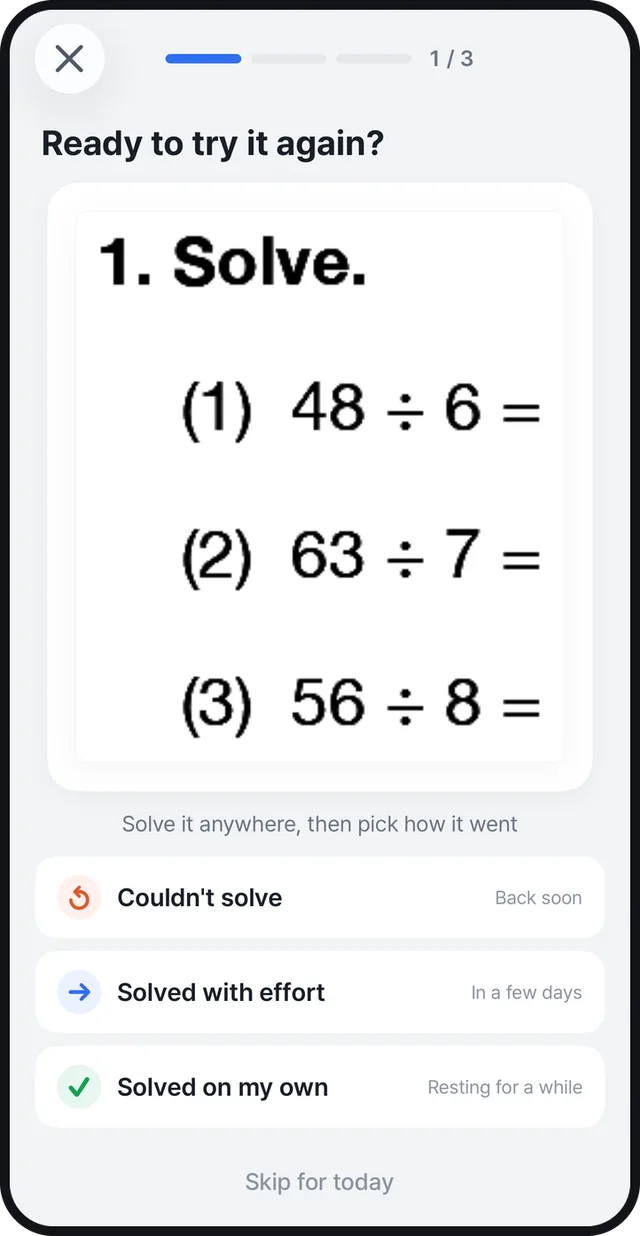
Snap, erase, solve again
Erase many pages at once.

Snap
Photograph your workbook or pick photos from your library. You can shoot many pages in a row.
Erase
Erase everything in one go, then flip between the original and the result.
Print or save
Print just the pages you need, or save them as a PDF.

Your photos never
leave your phone
All the erasing happens on your phone. No account needed.
Read the privacy policyHandwriting Eraser at a glance
- What it does
- Erases pencil and colored-pen handwriting from photos of workbooks, worksheets and tests, and keeps the printed questions
- Devices
- iPhone (iOS 17 or later), Android (Android 10 or later, 6 GB of RAM or more)
- Price
- First 10 pages free. After that, a Premium subscription (monthly or yearly)
- Saving
- Print, PDF, Photos (always free)
- Privacy
- Photos processed only on your phone, no account needed
- Languages
- English, Korean, Japanese, Traditional Chinese
- Developer
- Seungbin Baik (independent developer)
Frequently asked questions
What is Handwriting Eraser?
It's an app that erases only the pencil and colored-pen handwriting from photos of solved workbooks, worksheets and tests. The printed questions stay, so you can solve the same problems again.
Is it free?
You can erase your first 10 pages for free. After that, a Premium subscription (monthly or yearly) lets you erase without a page limit. Printing and saving your results is always free.
Are my photos sent to a server?
No. Photos are processed only on your phone. You don't need an account either.
What handwriting can it erase?
It erases pencil solutions, red-pen grading marks (circles, checks and slashes), and colored-pencil drawings and underlines.
What can I do with the erased pages?
Print just the pages you need, or save them as a PDF or to Photos. Add the problems you got wrong to your Wrong-Answer Note, and from the next day the app picks 3 for you each day.
Which phones does it work on?
iPhone with iOS 17 or later, and Android phones with Android 10 or later and 6 GB of RAM or more.
What happens to my progress if I change phones?
Sign in with Apple or Google, and you keep your pencil-case progress when you change phones or reinstall the app. Signing in is optional and only for ages 14 and up.
How do I cancel my subscription?
Cancel it from Manage Subscription in the app's Settings, or from your subscriptions in the App Store or Google Play.
Have more questions? Visit Support.
Solved it today?
Solve it again tomorrow
Erase your first 10 pages for free.